
Kind was created to help you rediscover what you have in your digital collections.




By downloading and installing Kind on your computer, you agree to the Kind End User Agreement.
Follow these steps to install Kind on your Apple Mac Silicon device:

You'll need a key to activate your kind product the first time. Invited testers will be provided a key in their welcome email.
Don't have a key yet? Send us an email at kind@onlea.org
When opening the kind application the first time, you may get a pop-up asking if you’d like to proceed with opening an application downloaded from the internet. This is normal. Click okay to continue.
Now that the hard work is done to set up your KIND app, you can start building your first collection.
Follow these steps to install Kind on your Windows PC:
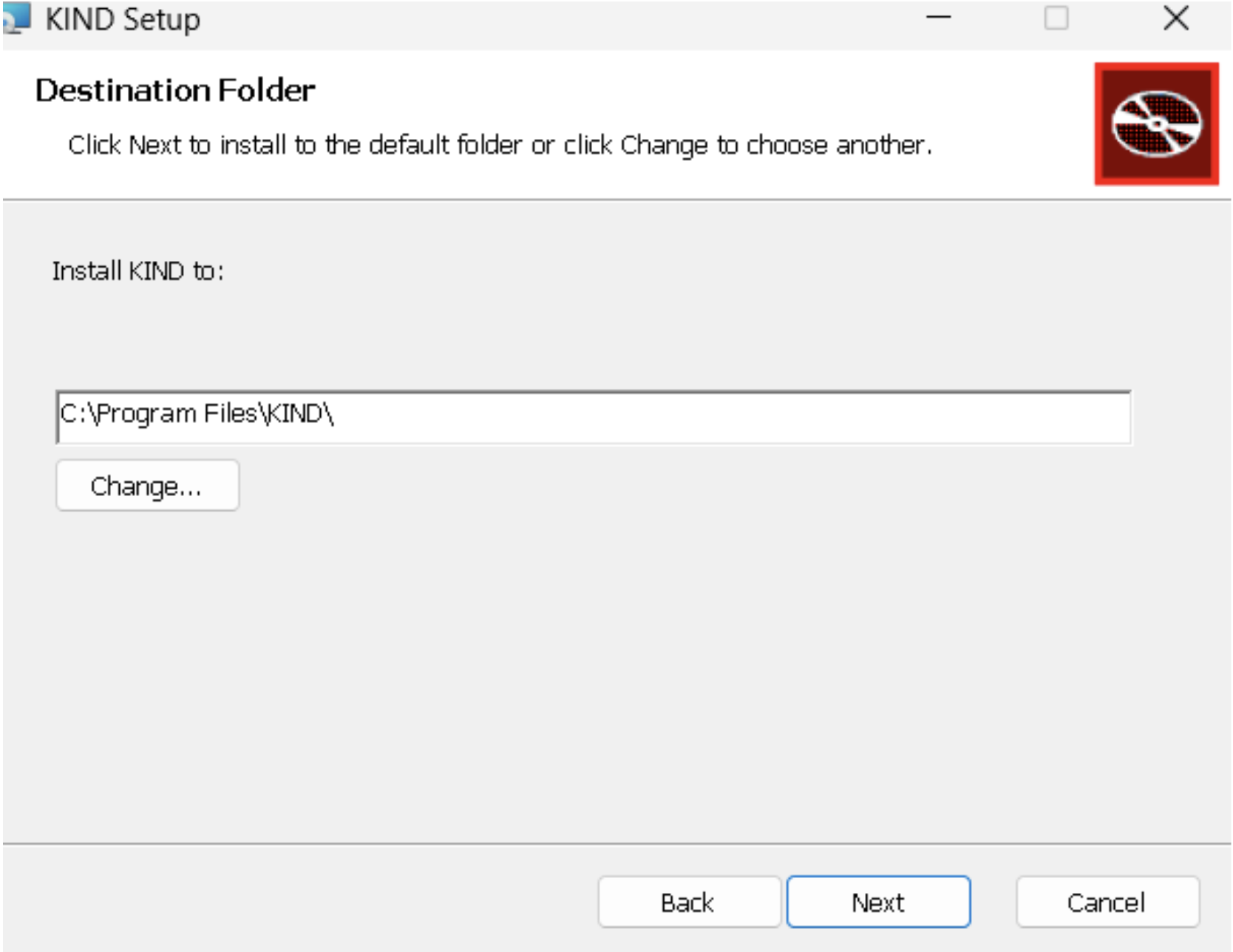
The page below asks for an installation location for the KIND app. Make sure the disk has at least 2.5GB for the app.
Additional disk space is also needed to store KIND’s processed data and files; we will get to that later.


The first time you open kind, it will take 1–2 minutes. This is expected, as kind requires some initialization.
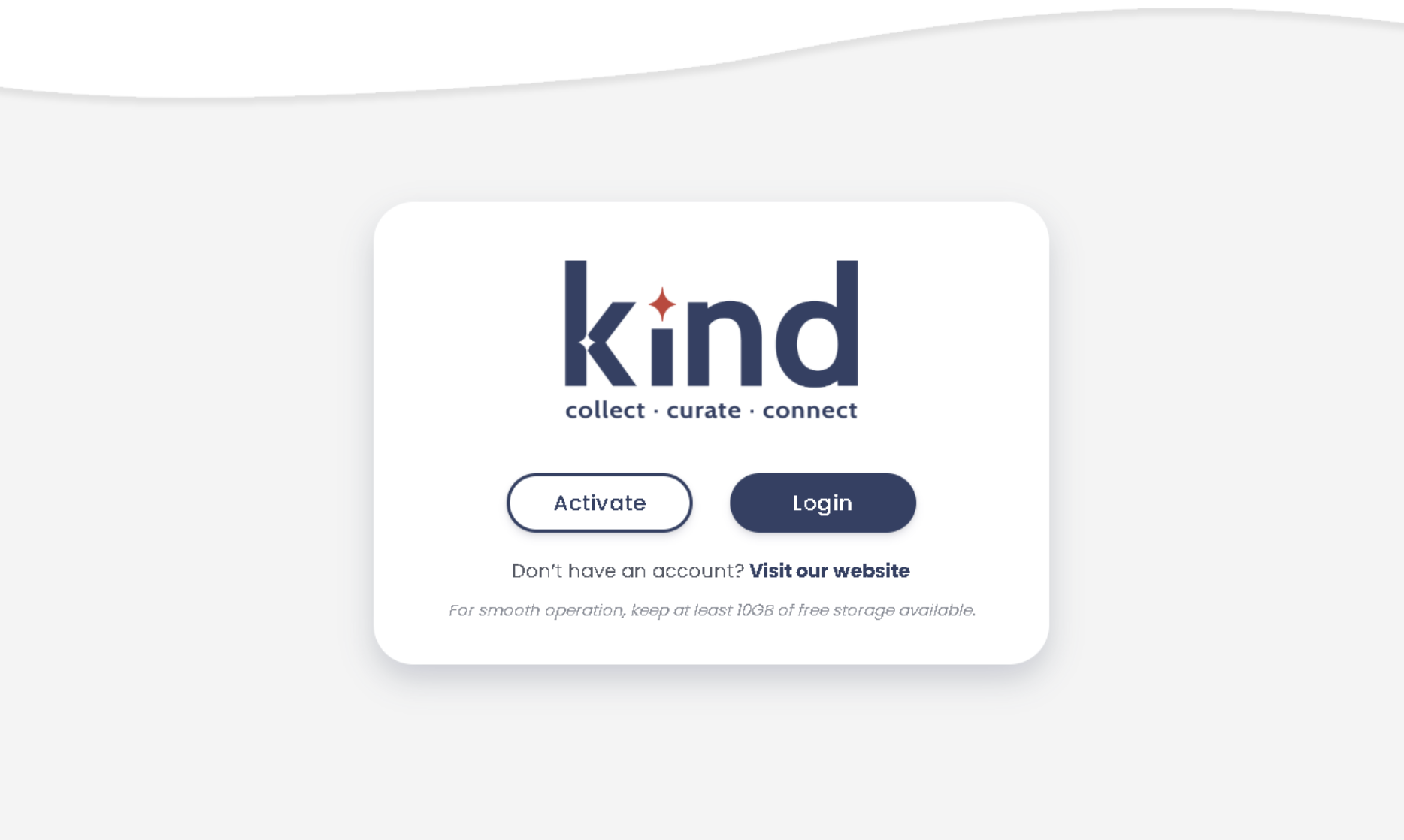
You'll need a key to activate your kind product the first time. Invited testers will be provided a key in their welcome email.
Don't have a key yet? Send us an email at kind@onlea.org
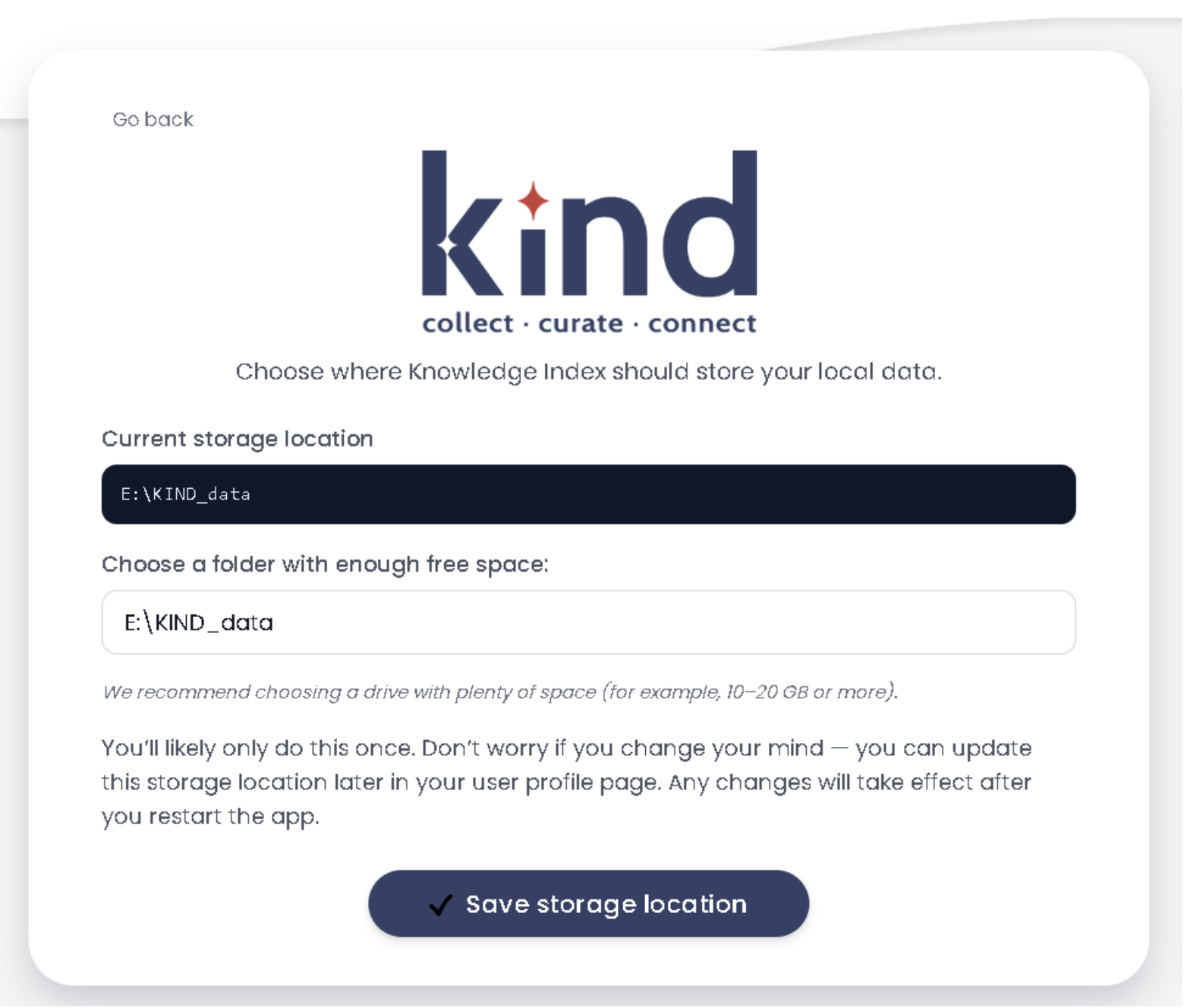
If the current storage location does not have enough space, select a different path on a different disk.
Then click on “Save storage location”. Don’t worry: once in the app, you can still change this location.
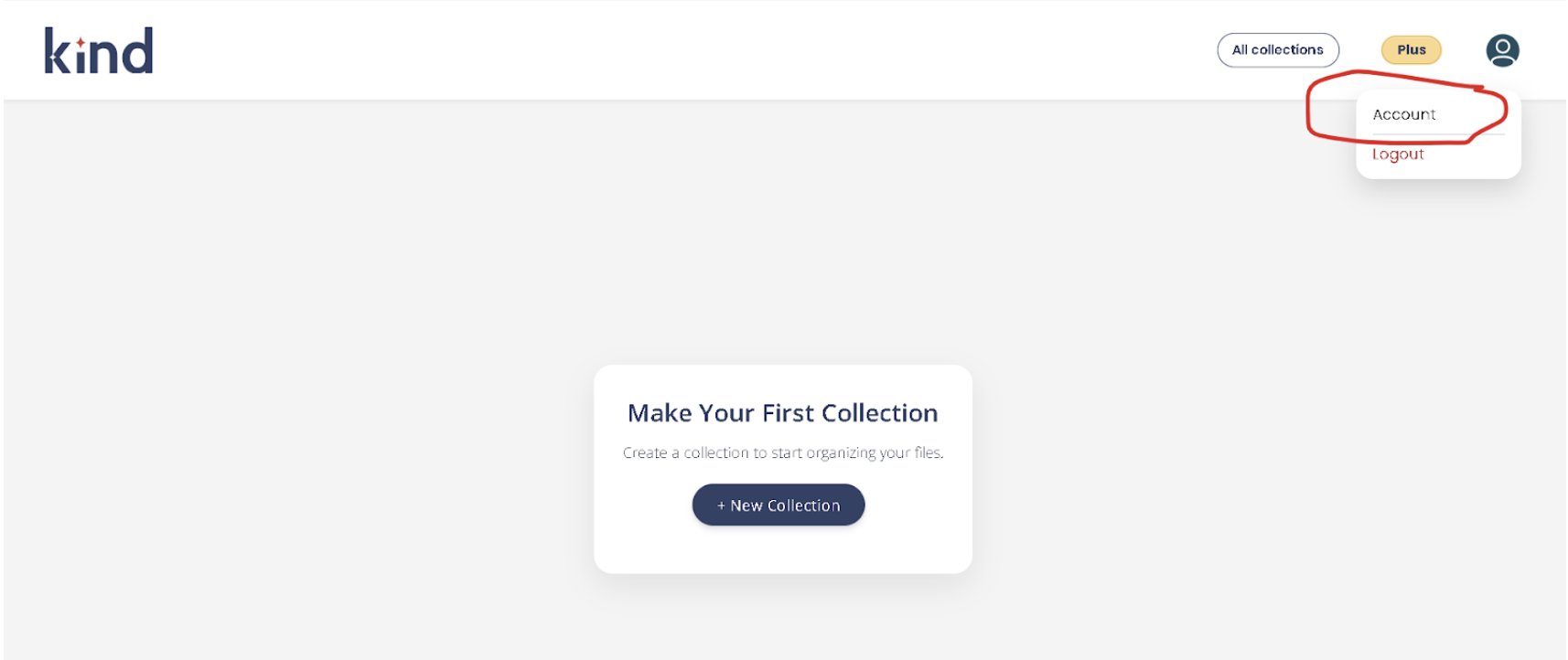
If you decide later you want to change the storage location, no problem! You can make this change by accessing your account in the profile drop-down menu in the top right-hand corner.
Now that the hard work is done to set up your KIND app, you can start building your first collection.
If you run into issues during download or installation, these quick tips can help:
Still stuck? Send us an email at kind@onlea.org and describe the challenge you’re having.
Please include as much detail as you can, including screenshots if possible. We will get back to you within a few business days.
In the bottom right corner of the app, there is a button labeled “Issue Report.” Click the button and follow the on-screen prompts to submit feedback.
Thank you for taking the time. Your feedback makes the app better for everyone!
The goal of kind Early Access is to get valuable feedback from external users.
We are working towards an official launch in 2026 with a slate of different product tiers depending on user needs. More to come.
Kind uses the power of AI to help you find what you need right now, to provide insights into your files and to help you make connections to get your personal or professional projects unstuck and moving forward.
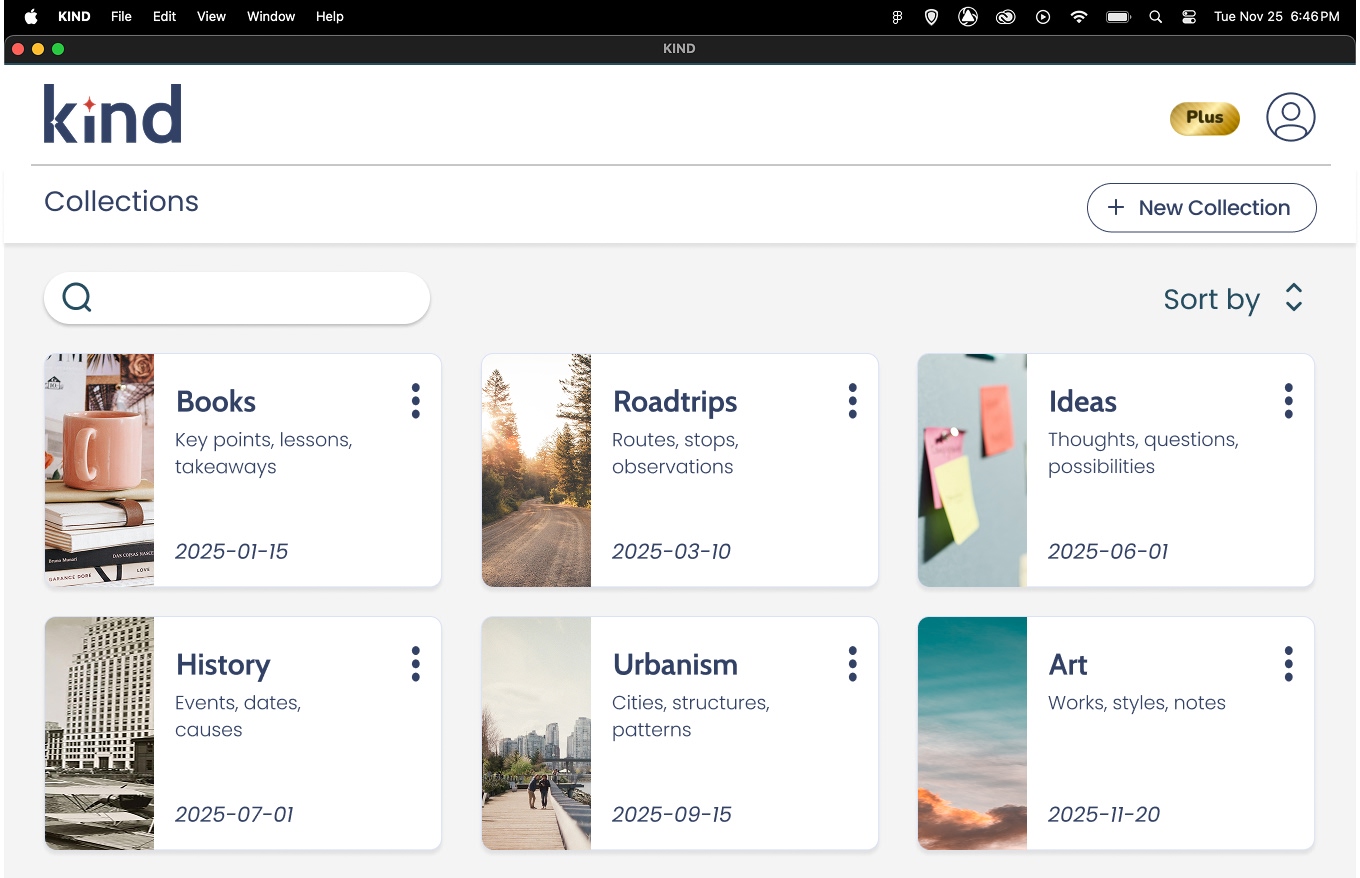
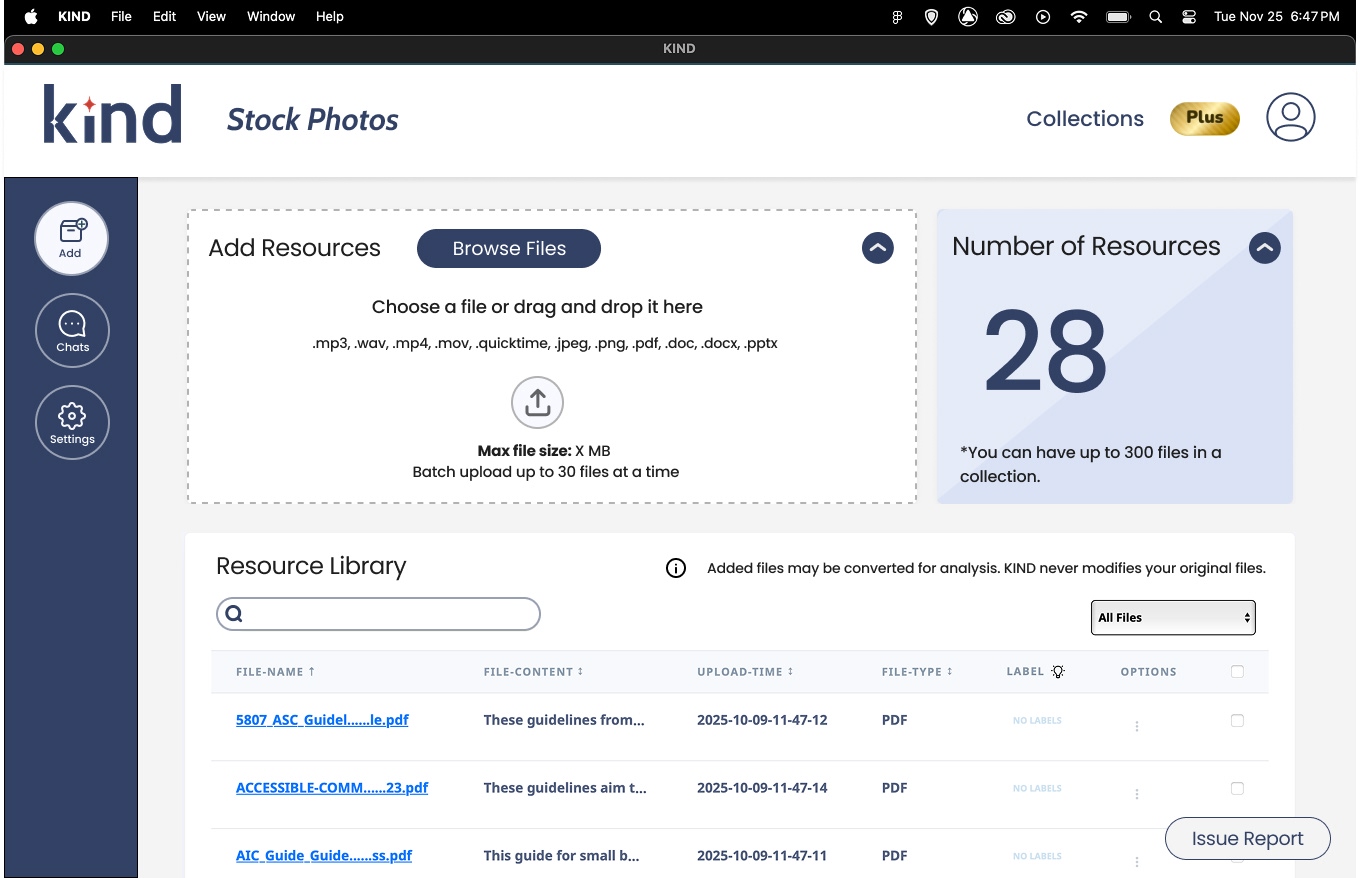
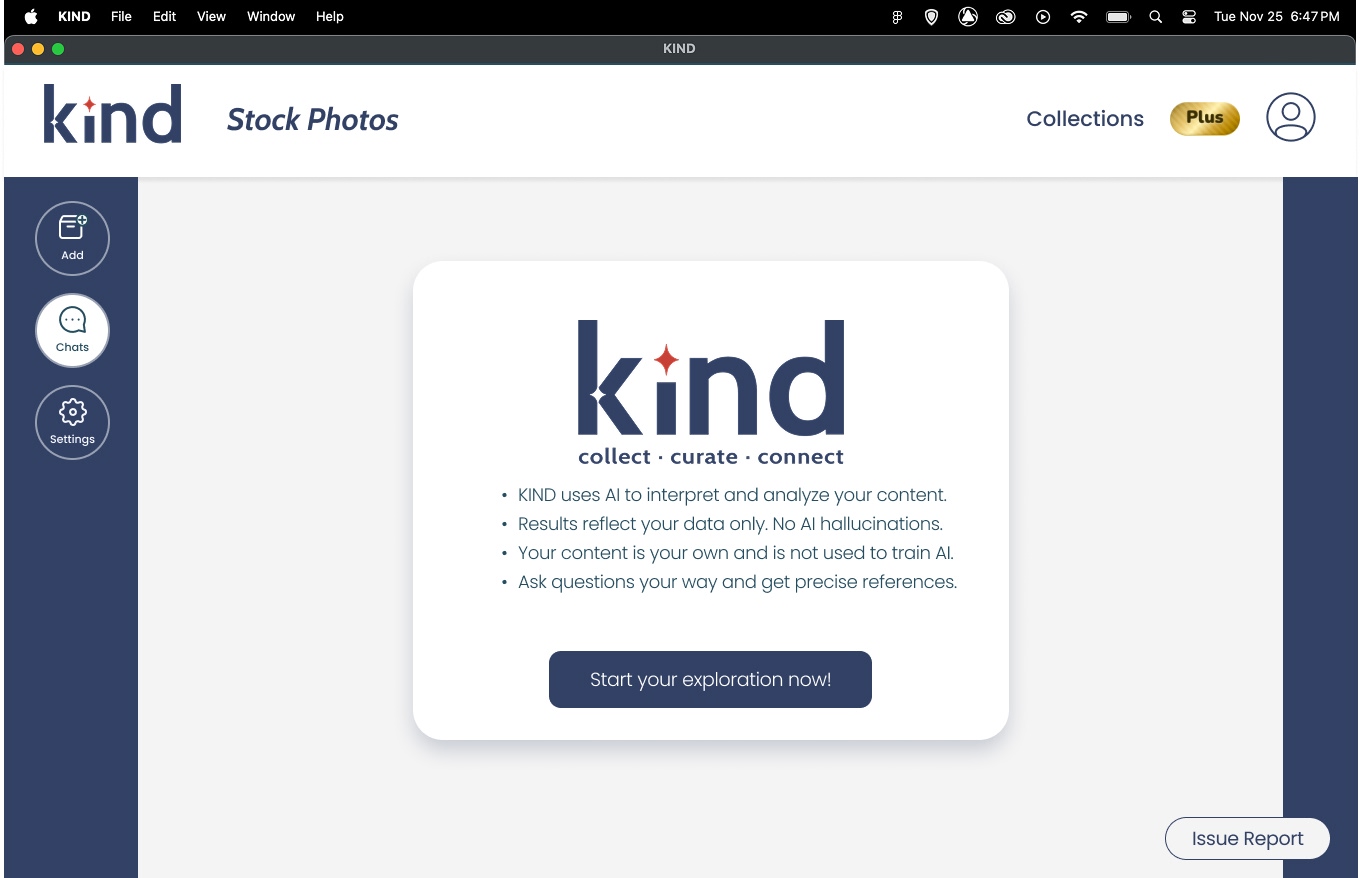
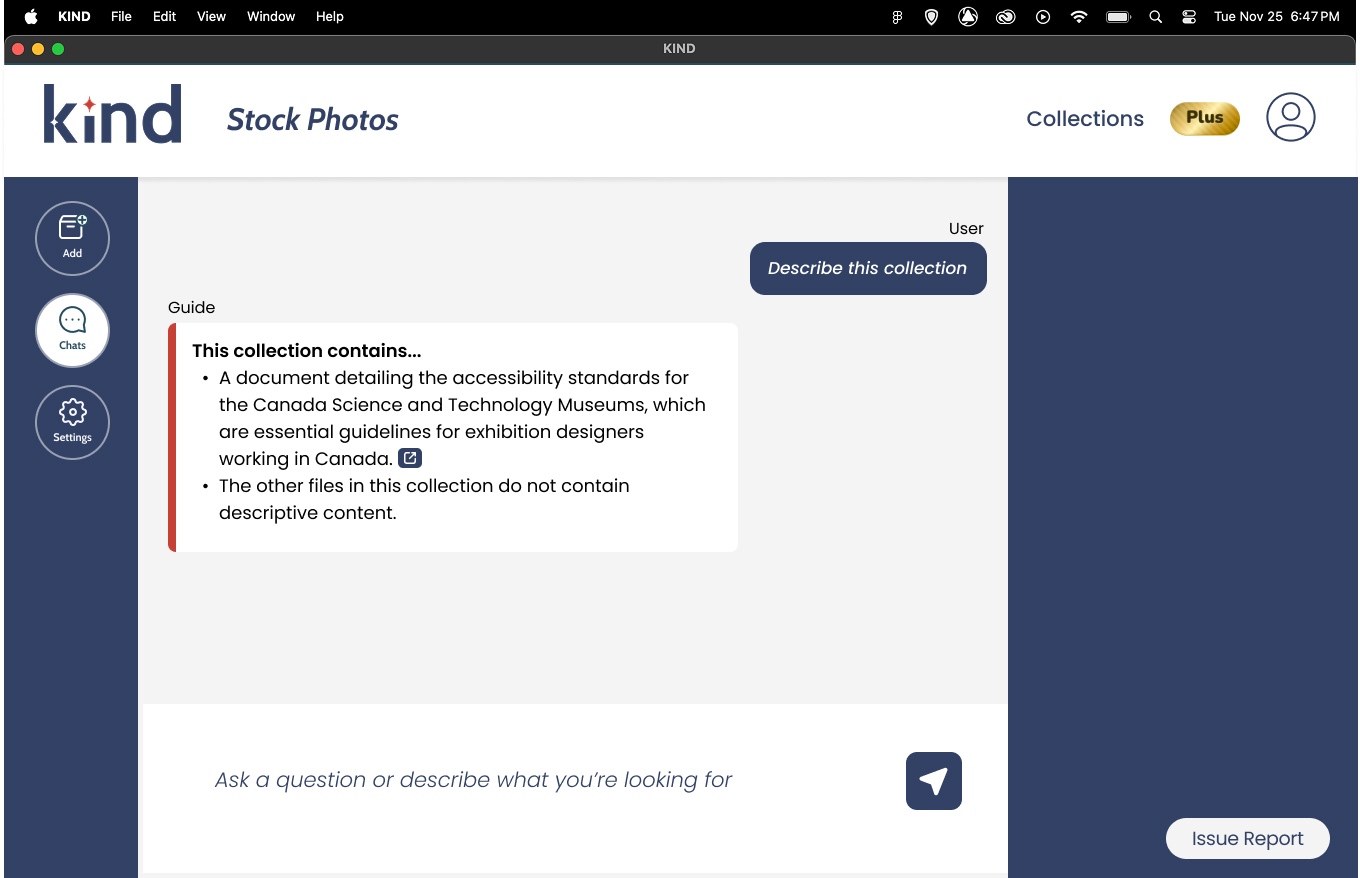

With Kind you can:
Kind’s inventor Jonathan Schaeffer has been at the forefront of the AI movement for 40 years now. Hand in hand with that he has also been an entrepreneur and inventor, constantly seeking to disrupt and improve AI through products, business endeavours, leadership, and research.
Kind joins an impressive list of inventions, explorations and breakthroughs in Jonathan’s career going back to his days as a student when he invented a computer chip that would generate its own chess moves. Jonathan has subsequently been a part of, or led teams that created AI tools to master checkers or compete against world class poker players; both feats recognized by the Guinness Book of World Records. He founded his first AI software company, BioTools back in 1995. He was a co-founder of todays Alberta Machine Intelligence Institute (Amii) back in 2002, as well as a founding partner in Onlea which has become a leader in the world of online learning.

Kind was first conceived by Jonathan in 2017, but did not gather momentum until he returned to full-time teaching in 2020 and found himself answering hundreds of student emails that were eating up a disproportionate amount of his time. He designed an AI-based program that would interact only with documents that he fed into it so that he could be sure his students were getting the correct answers as needed. After a couple of years of using Kind personally, and discovering new ways to use it, Jonathan thought that maybe other folks could use a reliable AI tool that would let them curate their data and interact with their knowledge in depth, but would still maintain the privacy of that data.
After much experimentation and many iterations he has arrived at a downloadable desktop version of the app that lets users have a desktop AI program that contains only what they want it to. Kind helps a user organize, interpret and explore their data, and ensures it’s kept out of large corporate training models or ad targeting software. That is kind. You curate your data; Kind curates the AI. The result is an easy-to-use tool that helps you find items in your multi-media, multi-language data, understand what’s in your data, and gain insights from your data. Kind is a time saver and a knowledge enhancer.

